
When a resident tries to pay their water bill at 11 PM and your city website is down, that’s not just an inconvenience — it’s a failure of public service. For city administrators and IT directors, government website performance isn’t a technical nicety; it’s a core operational responsibility. In 2025, residents expect the same seamless digital experience from their local government as they get from their bank or favorite retailer. Meeting that expectation requires a deliberate focus on three pillars: speed, uptime, and reliability.

Why Website Performance Is a Public Service Issue
A slow or unavailable government website isn’t just a technical problem — it’s a public trust problem. Consider these realities:
- Over 63% of government website traffic now comes from mobile devices, where slow load times cause immediate abandonment
- Studies show that a 1-second delay in page load time can reduce user satisfaction by 16%
- When residents can’t access online services, they call your offices — increasing staff workload and operational costs
- Search engines like Google factor page speed into rankings, meaning a slow site is harder for residents to find
For municipalities, the stakes are even higher during emergencies. When a storm warning goes out or a water main breaks, your website may be the primary communication channel for thousands of residents. A site that crashes under traffic spikes isn’t just inconvenient — it can be dangerous.
Understanding the Three Pillars of Municipal Website Performance
Speed: The First Impression That Counts
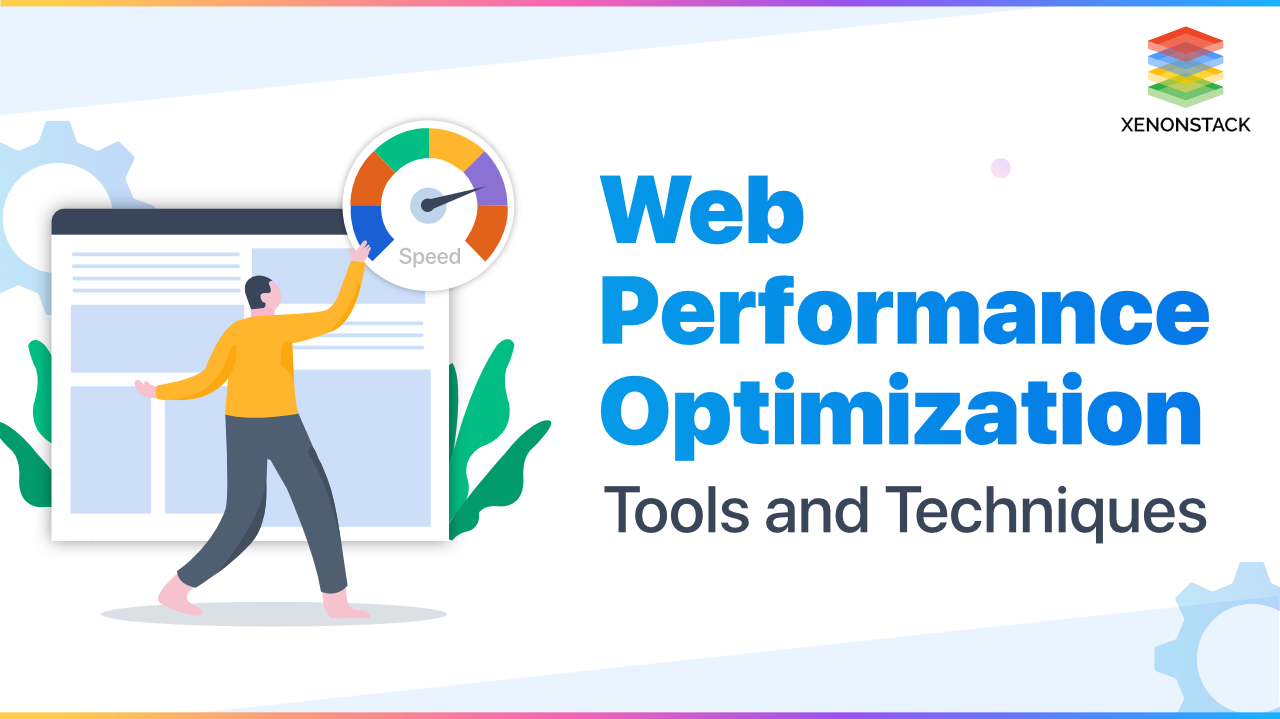
Website speed refers to how quickly your pages load and respond to user interactions. Google recommends a page load time of under 3 seconds for both mobile and desktop. For municipal websites, the key metrics to monitor include:
- Largest Contentful Paint (LCP): How quickly the main content loads (target: under 2.5 seconds)
- Time to First Byte (TTFB): How fast your server responds (target: under 0.8 seconds)
- Interaction to Next Paint (INP): How quickly the site responds to user clicks and inputs
Common speed killers on municipal websites include unoptimized images, excessive third-party scripts (like outdated analytics tools), and aging server infrastructure. A modern Content Delivery Network (CDN) can dramatically improve load times by serving content from servers geographically closer to your residents.
Uptime: Keeping the Digital Door Open
Uptime is the percentage of time your website is operational and accessible. Industry standards for municipal websites should target 99.9% uptime or higher — that’s less than 9 hours of downtime per year. Many enterprise-grade hosting solutions now offer 99.99% uptime guarantees, translating to less than 53 minutes of annual downtime.
What does downtime actually cost your city?
- Lost resident trust and satisfaction
- Increased call volume to city offices
- Potential legal liability if critical services are inaccessible
- Negative media coverage during high-profile outages
Reliability: Consistent Performance Under Pressure
Reliability goes beyond simple uptime. A reliable municipal website performs consistently — whether it’s serving 50 visitors on a Tuesday morning or 5,000 residents checking emergency updates during a crisis. This requires:
- Load balancing to distribute traffic across multiple servers
- Auto-scaling infrastructure that expands capacity during traffic spikes
- Robust disaster recovery plans with tested backup systems
- 24/7 monitoring with automated alerts for performance degradation

Key Performance Standards for Municipal Websites
Based on industry best practices and government technology guidelines, here are the performance benchmarks your city should target:
Page Load Speed
- Desktop: Under 2 seconds
- Mobile: Under 3 seconds
- Core Web Vitals: All metrics in “Good” range per Google’s standards
Uptime Targets
- Minimum acceptable: 99.9% (less than 8.76 hours downtime/year)
- Recommended target: 99.99% (less than 52.56 minutes downtime/year)
- Emergency/crisis periods: 100% availability with redundant failover
Practical Steps to Improve Your Municipal Website Performance
1. Conduct a Performance Audit
Start with a baseline assessment using free tools like Google PageSpeed Insights, Google Lighthouse, or GTmetrix. These tools provide specific, actionable recommendations and score your site against Core Web Vitals standards. Run audits on your most-visited pages: the homepage, bill payment portal, permit applications, and emergency notifications.
2. Optimize Your Images
Images are often the single largest contributor to slow page loads. Ensure all images are compressed without visible quality loss, served in modern formats like WebP instead of JPEG or PNG, loaded lazily (only when they scroll into view), and properly sized for the display context.
3. Evaluate Your Hosting Infrastructure
Many municipalities are still running websites on outdated shared hosting or aging on-premises servers. Modern cloud-based hosting solutions offer significant advantages: automatic scaling during traffic spikes, built-in CDN integration, managed security updates, and geographic redundancy for disaster recovery.
When evaluating hosting providers, look for explicit uptime SLAs (Service Level Agreements) of 99.9% or higher, 24/7 technical support, and proven experience with government clients.
4. Implement Proactive Monitoring
Don’t wait for residents to report problems. Set up automated monitoring that alerts your IT team the moment performance degrades. Key metrics to monitor include uptime status (checked every minute from multiple locations), page load times across different geographic regions, error rates (404s, 500s, and other HTTP errors), and SSL certificate expiration dates.
5. Plan for Traffic Spikes
Municipal websites experience predictable traffic spikes: tax deadlines, permit application periods, election results, and emergency events. Work with your hosting provider to ensure your infrastructure can handle 10x normal traffic without degradation. Conduct load testing before major events to identify bottlenecks.
6. Establish a Performance SLA with Your Vendor
If you work with a municipal website vendor or managed hosting provider, ensure your contract includes specific performance guarantees. Your SLA should define minimum uptime percentage (99.9% or higher), maximum response time for performance issues, escalation procedures for critical outages, and compensation or remedies for SLA violations.
The ROI of Website Performance Investment
Investing in website performance isn’t just about technology — it’s about operational efficiency and resident satisfaction. Consider the measurable returns:
- Reduced call center volume: Every resident who successfully completes a task online is one fewer call to your staff
- Improved resident satisfaction scores: Faster, more reliable digital services directly correlate with higher satisfaction ratings
- Better search visibility: Google rewards fast, reliable websites with higher search rankings, making it easier for residents to find city services
- Reduced IT incident costs: Proactive monitoring and reliable infrastructure mean fewer emergency responses and after-hours incidents
For a city of 50,000 residents, even a 10% reduction in call center volume from improved online services can translate to significant annual savings in staff time.
Next Steps for Your Municipality
Government website performance is not a luxury — it’s a fundamental component of modern public service delivery. By focusing on speed, uptime, and reliability, your municipality can ensure that residents always have access to the services they need, when they need them. The investment in performance infrastructure pays dividends in resident trust, operational efficiency, and staff productivity.
At mycitygov.com, we build municipal websites engineered for performance from the ground up — with enterprise-grade hosting, proactive monitoring, and the reliability your community deserves. Ready to assess your current website performance? Contact us for a free performance audit and discover how we can help your city deliver a faster, more reliable digital experience.